
FOR THE PURCHASING COORDINATOR
AP Snap
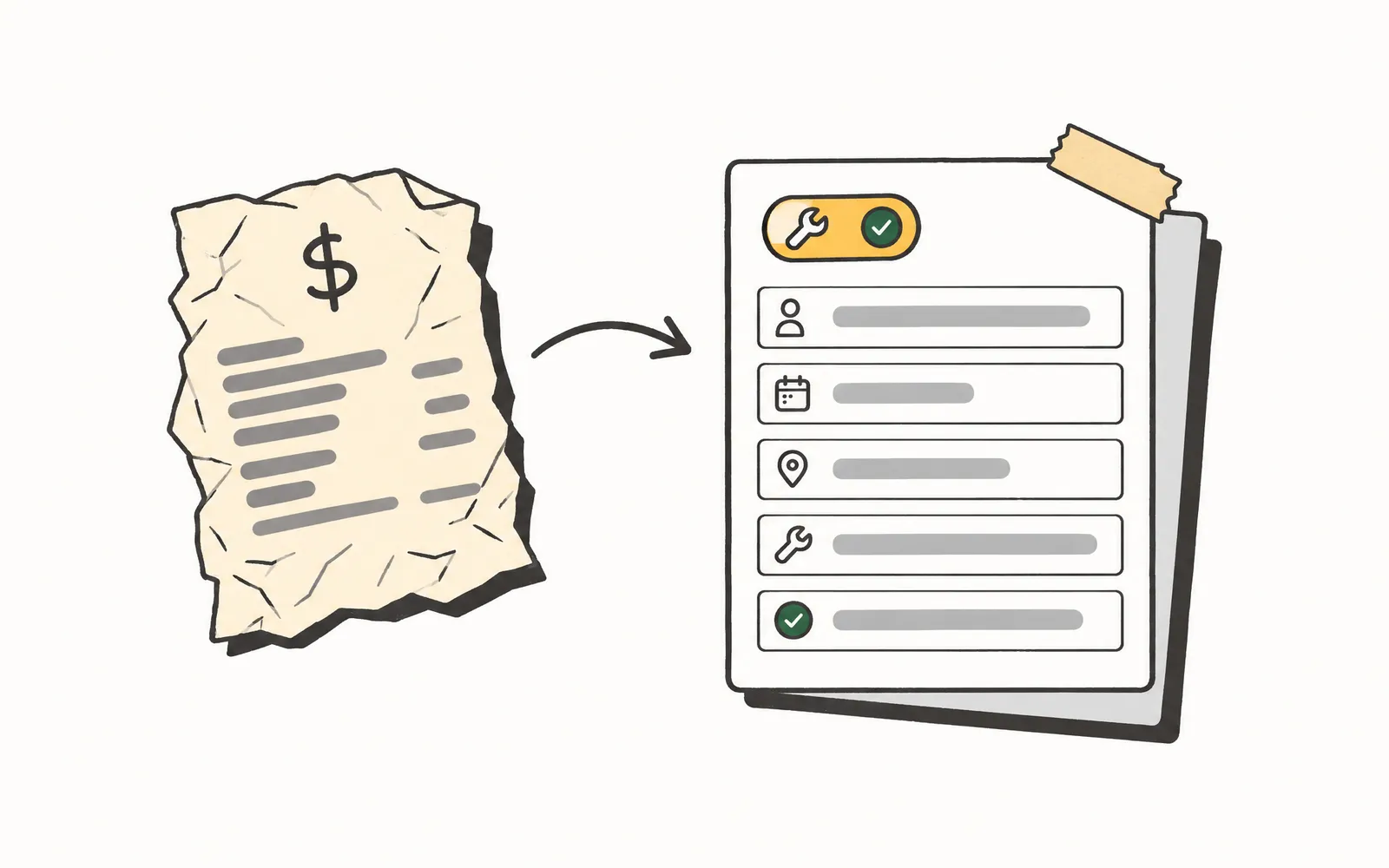
Emailed invoices become posted bills automatically.
The Accounts Payable Specialist opens their queue to bills that are already read, structured, and matched to the job they belong to, with only the exceptions waiting on them. The reading and re-keying across the inbox, the ERP, and the accounting software are already handled, without the same vendor and invoice number being typed three times.
- Time back
- 5 min
- per bill
- Cost
- 15¢
- 30 Rivets per bill
How it works.
4 steps, and your team only touches the ones that need a person.
- 1.
Invoices are Forwarded
AP emails are forwarded to AP Snap and vendor invoices are parsed from other AP email messages.
- 2.
Reads and structures the bill
AP Snap reads the invoice PDF and turns it into a line-itemized bill, with the vendor, dates, totals, tax, and line items pulled out for review.
- 3.
Matches, classifies, and posts
With the ERP and accounting system connected, AP Snap matches the bill to the right job and purchase order, sorts each line item into equipment, tools, or materials, and posts the bill to the books.
- 4.
Flags only the exceptions
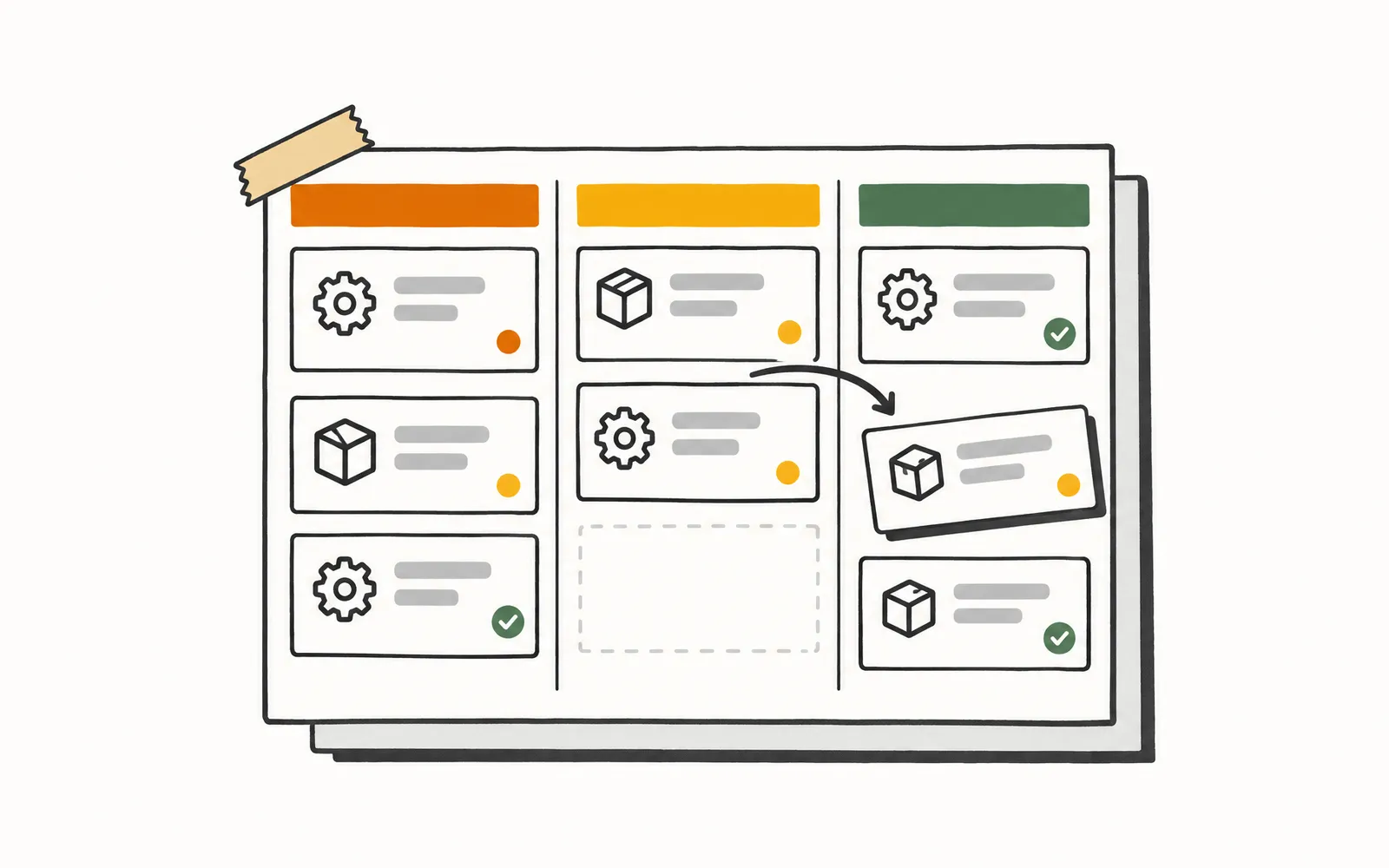
Bills that do not match cleanly land in a short review queue with the problem flagged, and a notification lets the AP Specialist know. Everything AP Snap handles is logged in one place.
Try it.
A small working model of AP Snap. Nothing here touches a real customer.
Forward a vendor inbox and watch each email get read, posted as a bill, skipped, or flagged for review.
A day for the Purchasing Coordinator.
- 8:00 AM
They open their inbox to a stack of overnight vendor invoices and start the day where they left it, reading PDFs and typing vendor names, amounts, and line items into the system one by one.
- 11:00 AM
They switch between the ERP and the invoice to find the right job and purchase order for a bill, and match the invoice against it field by field by hand.
- 2:00 PM
They enter the same bill again in the accounting software, re-keying the vendor and line items they already typed once this morning.
- 4:30 PM
A mismatch they missed last week surfaces as an accounting error, and the stack of unentered invoices is longer than when they started.
- 8:00 AM
They open a queue of bills that were read, matched, and posted overnight. A handful are flagged for review; the rest are done.
- 11:00 AM
They work the flagged bills, where the invoice and the job disagreed, with the parsed invoice and the matched job side by side.
- 2:00 PM
Nothing to re-key. The bills that cleared are already on the books with their vendor, dates, and line items in place.
- 4:30 PM
They clear the few real exceptions and call a vendor about a recurring discrepancy, with no backlog waiting for tomorrow.
What it won't do.
So nobody's surprised later.
- Does not assign GL accounts, cost codes, or job codes to a bill.
- Does not pay vendors or schedule payment runs.
- Does not run an approval workflow before a bill is posted.
- Does not process paper or scanned mail; invoices come in by email.
More for the Purchasing Coordinator.
- About 220,000 calls a month analyzed across 31 shops
- 139 shops use Graphite Lab tools
- 108 ServiceTitan data types synced, including for multi-location operators
- 66 to 93 mobile PageSpeed, from a contractor's old site to the preview we built in under 10 days
Let’s talk about your shop.
No slide deck. Tell us how your team runs today and we'll show you what we'd build first. If it's a fit, we send you a quote.