
FOR THE CSR
Intake Guide
Guided call intake that helps write the work order.
On every problem call, the equipment history and the gate code are already on the CSR's screen, and the work order writes itself as the conversation happens. The CSR finishes the call with a complete ticket.
- Time back
- 7 min
- per call
- Cost
- 21¢
- 42 Rivets per call
How it works.
4 steps, and your team only touches the ones that need a person.
- 1.
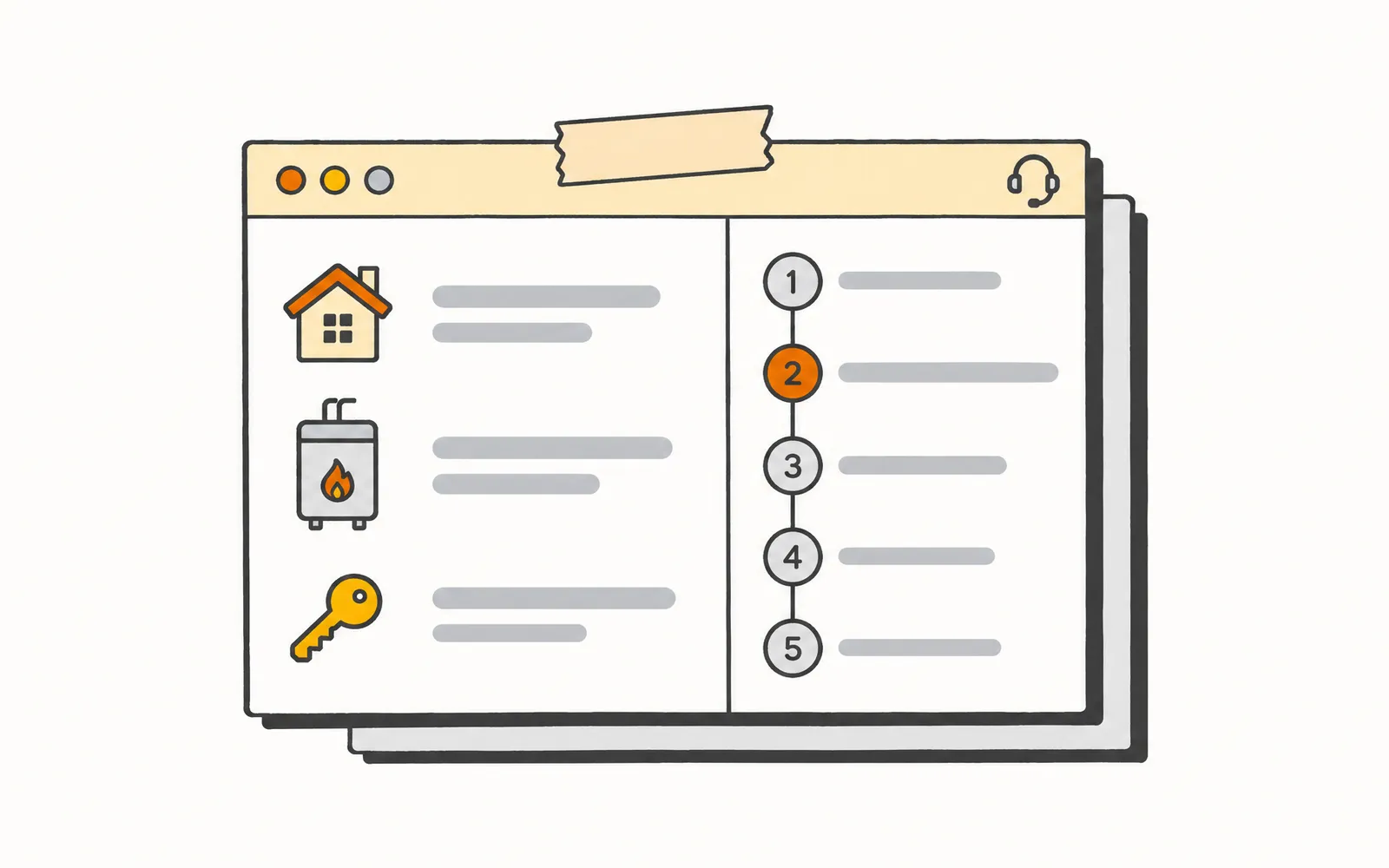
The panel opens on a problem call
When an inbound problem call comes in and the CSR opens the customer record, Intake Guide opens inside the FSM window. The customer's equipment and access history is already on the screen.
- 2.
The CSR marks the call a problem call
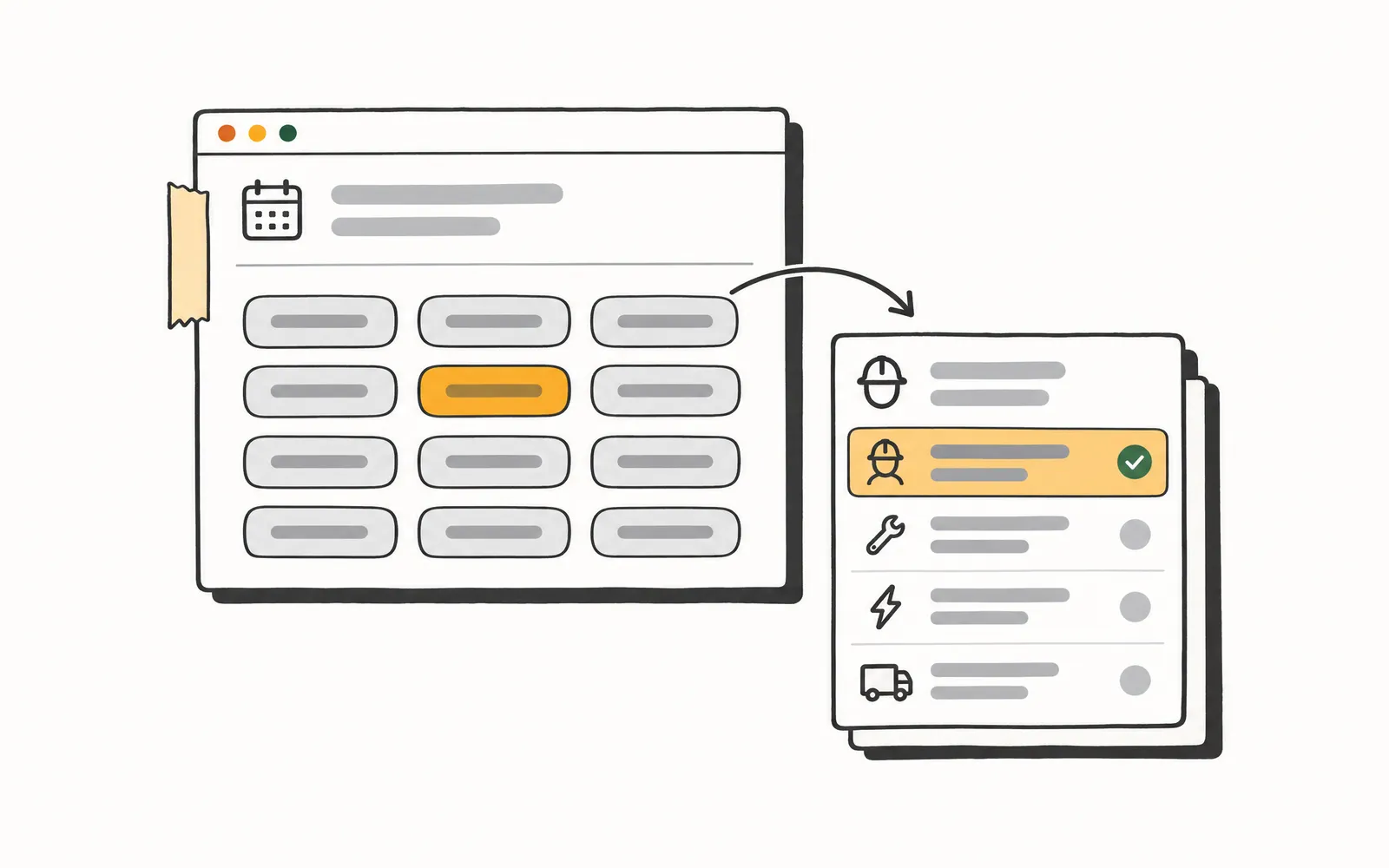
The panel offers a problem-call mark alongside routine booking and other. On a problem call, the guided capture opens. Routine and other calls leave the guide closed.
- 3.
A guided five-step capture runs
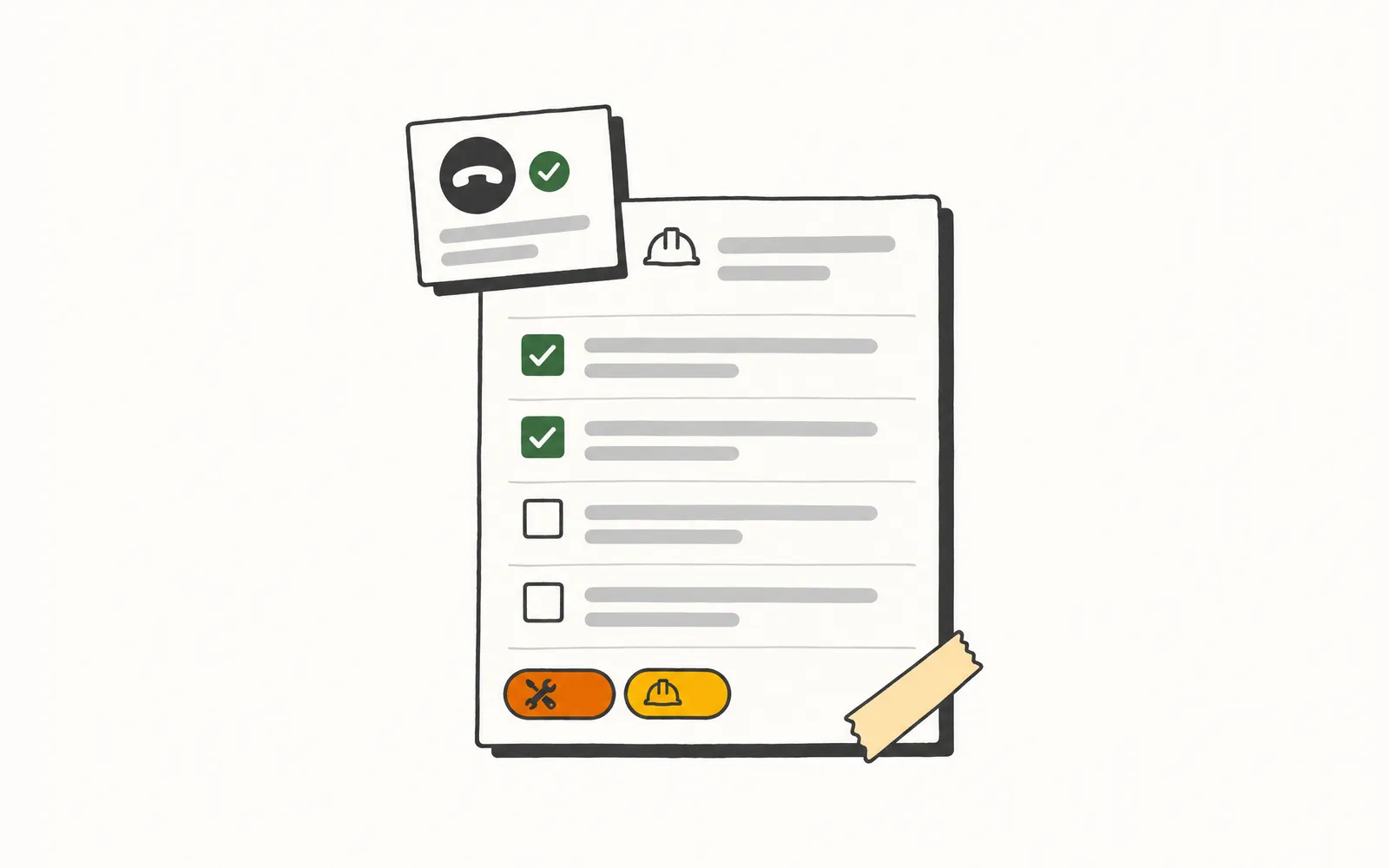
The flow walks through the symptom in the homeowner's words, the likely component, the equipment details, the property access notes, and the safe-to-use disposition, in order, with the prior values pre-filled where the record has them.
- 4.
The work order writes back at call close
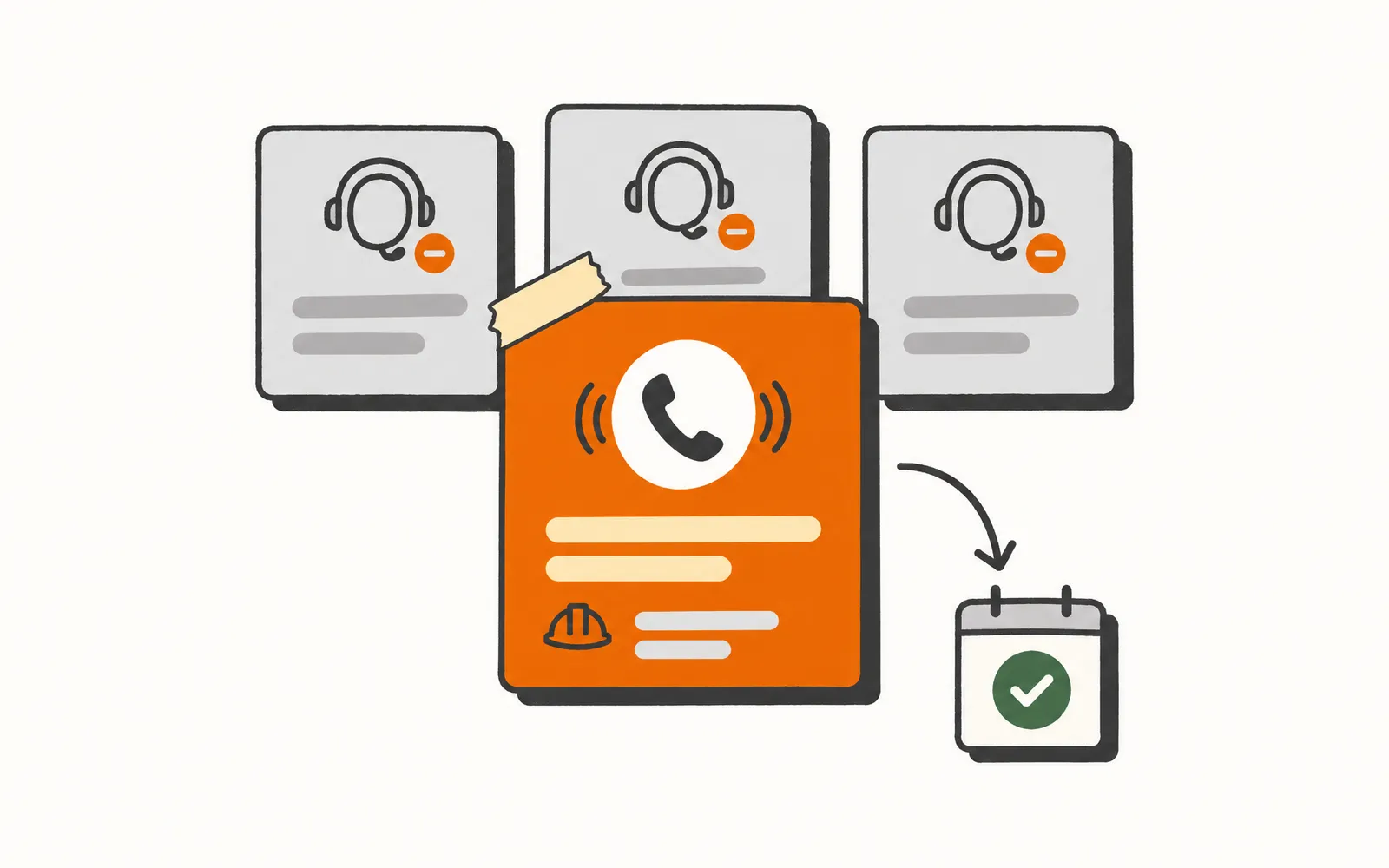
On save, the completed work order writes back to the FSM, the equipment and access records update, and the safe-to-use disposition lands on a tagged field dispatch can route on. A partial call saves whatever was captured.
Try it.
A small working model of Intake Guide. Nothing here touches a real customer.
Mark what kind of call it is and, if it's a problem call, walk through the questions the guide asks.
A day for the CSR.
- 8:00 AM
The first call is a member with no cooling. The CSR opens four tabs chasing last summer's capacitor model and the gate code, and types the rest into the notes from memory.
- 9:30 AM
Yesterday's voicemail booking never became a ticket. The repeat caller is frustrated, and the CSR books the whole thing from scratch.
- 12:30 PM
At the noon spike a reschedule needs access notes the record does not have, so the CSR promises a callback to confirm the gate code.
- 3:30 PM
At the dispatch sync the CSR walks over to the board because three tickets are missing equipment serials and have to be reconstructed.
- 8:00 AM
The history and the gate code are already on the panel for the no-cool member. The CSR books the call and confirms the safe-to-use disposition for routing in one pass.
- 9:30 AM
The CSR owns the apology to the repeat caller and writes the ticket clean while they are still talking.
- 12:30 PM
The access notes are pre-filled, so the CSR holds the tricky reschedule and works proposal callbacks an hour earlier.
- 3:30 PM
The dispatch sync is a two-minute trade of notes. Every ticket carries its serials and a safe-to-use tag.
What it won't do.
So nobody's surprised later.
- Does not open on routine-booking calls; the panel opens only when the call is marked a problem call.
- Does not contact the homeowner outbound; the safe-to-use disposition is captured for dispatch, not sent to the customer.
- Does not keep a separate equipment inventory; it reads from and writes back to the customer record.
- Does not dispatch technicians, optimize routes, or manage the job once it is in progress.
- About 220,000 calls a month analyzed across 31 shops
- 139 shops use Graphite Lab tools
- 108 ServiceTitan data types synced, including for multi-location operators
- 66 to 93 mobile PageSpeed, from a contractor's old site to the preview we built in under 10 days
Let’s talk about your shop.
No slide deck. Tell us how your team runs today and we'll show you what we'd build first. If it's a fit, we send you a quote.