
FOR THE OPERATIONS MANAGER
Margin Minder
Job-margin dashboard that flags the leaks.
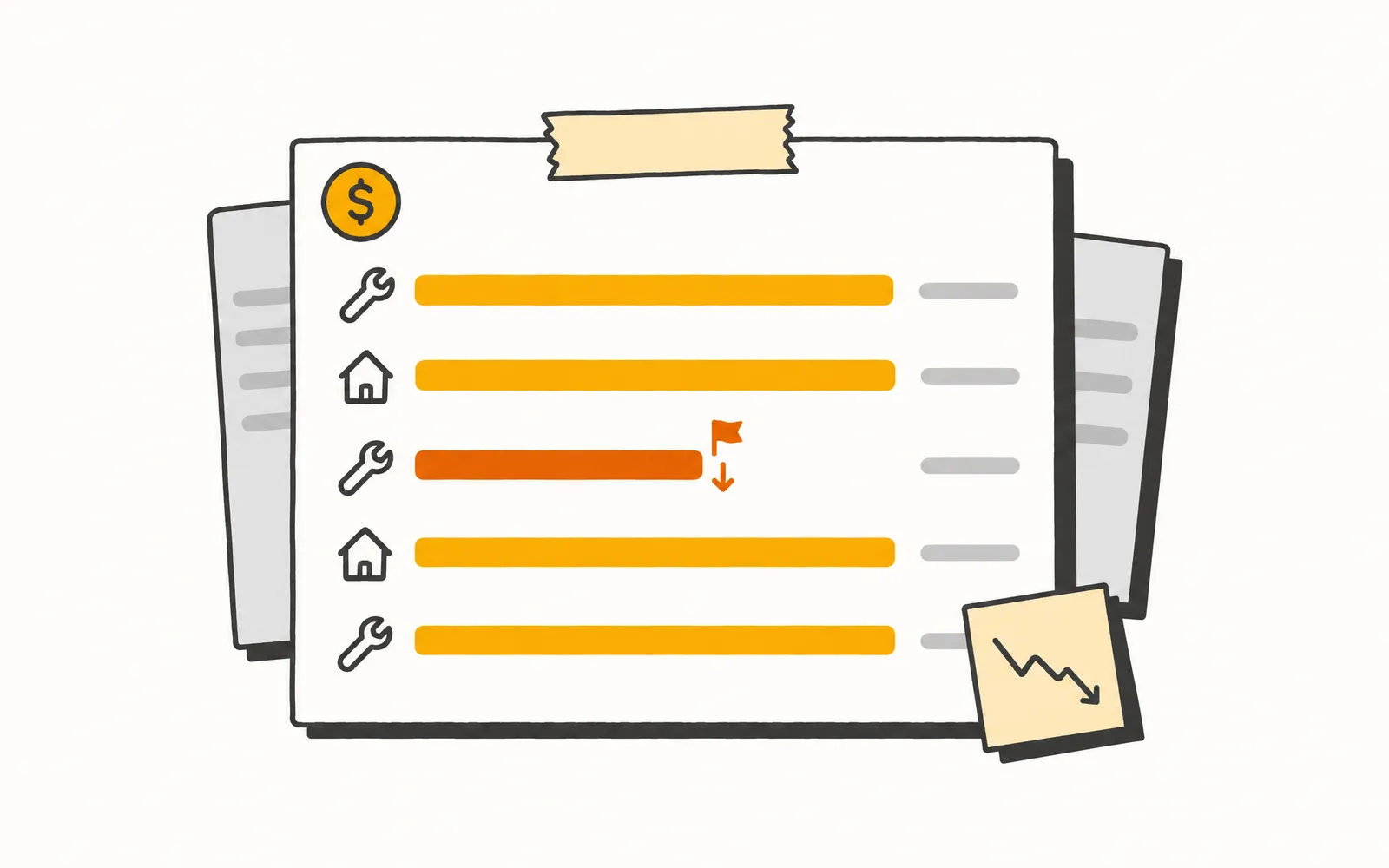
A job that comes in light gets flagged the day it closes, already figured and ready to act on, with no need to pull revenue and cost into a spreadsheet job by job. The bad-margin job shows up while there is still a pattern to catch.
- Time back
- 3 min
- per job
- Cost
- 9¢
- 18 Rivets per job
How it works.
5 steps, and your team only touches the ones that need a person.
- 1.
A job closes
A completed job comes in from the connected ERP, or the Operations Manager uploads a job export as a CSV.
- 2.
Margin Minder figures the margin
It combines the job's revenue with its labor, parts, equipment, and subcontractor costs and works out the gross margin and margin percentage.
- 3.
It checks the job against the operation's thresholds
The job is measured against the margin rules the operation set, using the most specific rule that fits the technician, job type, or business unit.
- 4.
Light jobs get flagged and an alert goes out
Jobs that come in under spec are flagged and an alert is sent on the channels the operation turned on.
- 5.
The manager acts and watches the trend
The Operations Manager opens the flagged job, reads the full breakdown, and records what they did. Margin by technician, business unit, and job type rolls up into a trend.
Try it.
A small working model of Margin Minder. Nothing here touches a real customer.
Drag the labor hours on a finished job and see when its margin drops below your rule.
A day for the Operations Manager.
- 8:30 AM
In the daily ops huddle, a tech mentions a commercial install that fought them for two days. The Operations Manager makes a note to check the margin on it later.
- 11:00 AM
Between capacity modeling, they pull the install's revenue from the ERP and start chasing the labor and parts costs across two systems. The numbers are messy and the check gets half-finished.
- Month end
At the close, the margin on that install finally lands. It ran at 6%. So did four others like it. The pattern is a month old and the jobs are long gone.
- 8:30 AM
Before the huddle, the Operations Manager opens Margin Minder to a queue of last night's flagged jobs. The two-day install is at the top, already figured at 6%.
- 8:45 AM
They open the job, see the labor cost ran nearly double the estimate, add a note, and bring it to the huddle while the crew still remembers the job.
- Same week
The trend view shows three more installs of the same type trending light. They fix the estimate template before the next one books.
What it won't do.
So nobody's surprised later.
- Does not calculate, allocate, or reassign job costs; it reads the cost figures the ERP or data upload provides.
- Does not write anything back to the ERP.
- Does not produce financial statements, profit-and-loss, or tax output.
- Does not forecast or predict future margin.
- Does not change dispatching, scheduling, or job assignments.



- About 220,000 calls a month analyzed across 31 shops
- 139 shops use Graphite Lab tools
- 108 ServiceTitan data types synced, including for multi-location operators
- 66 to 93 mobile PageSpeed, from a contractor's old site to the preview we built in under 10 days
Let’s talk about your shop.
No slide deck. Tell us how your team runs today and we'll show you what we'd build first. If it's a fit, we send you a quote.