
FOR THE SERVICE MANAGER
Repair Promise
Slip alerts that keep repair promises.
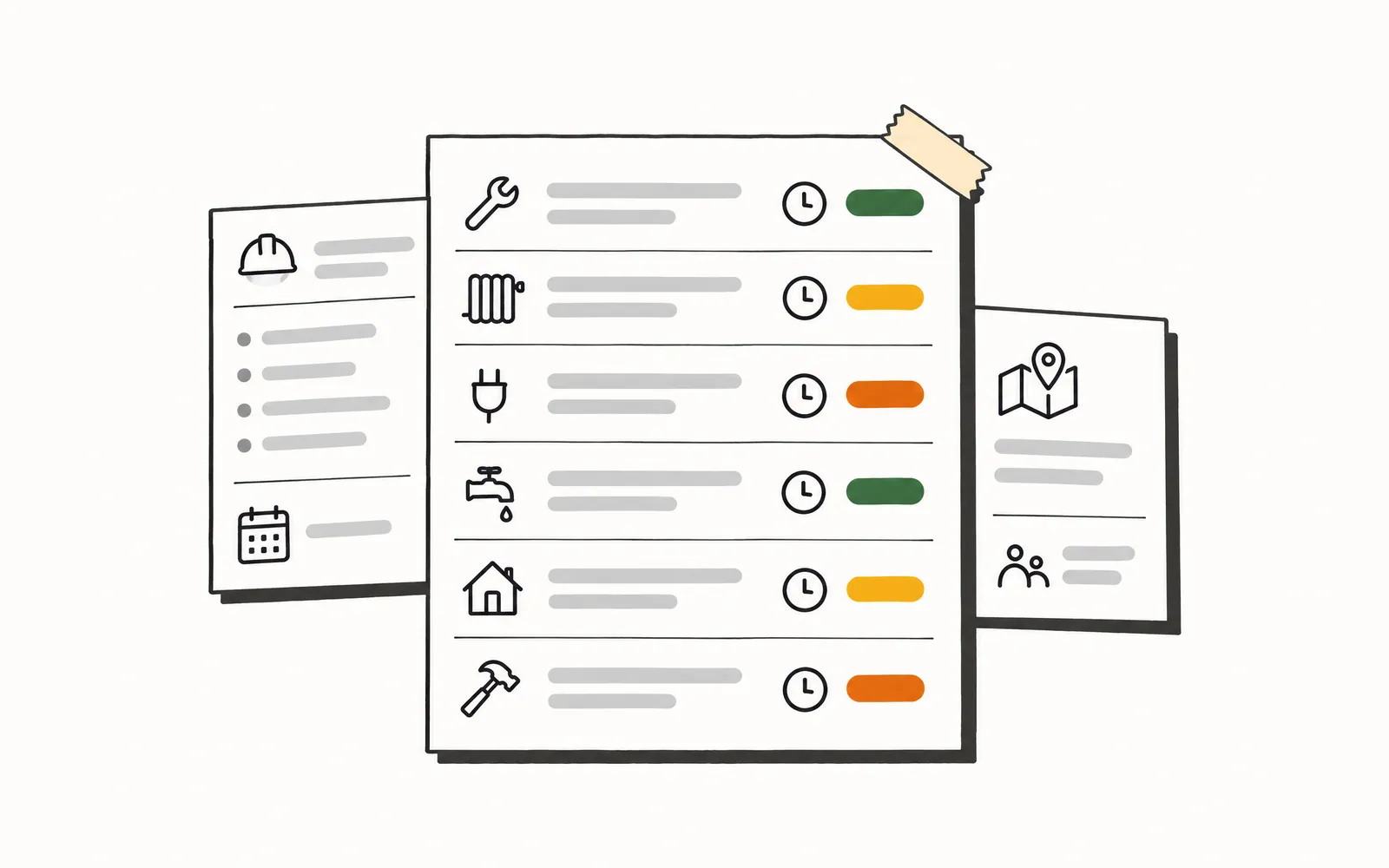
The Service Manager opens the day to a short list of the repair jobs that actually need attention, already sorted by how close they are to their promised date and why. The watch over the whole open board is handled, without clicking through fifty jobs twice a day to find the ten that matter.
- Time back
- 6 min
- per job
- Cost
- 18¢
- 36 Rivets per job
How it works.
4 steps, and your team only touches the ones that need a person.
- 1.
Pick the repair jobs that carry a promise
The Service Manager chooses which job types count as repairs. Repair Promise watches the field service management system and starts tracking every one of those jobs that has a promised completion date and is still open.
- 2.
Recheck and sort on a schedule
On the cadence the Service Manager sets, Repair Promise rechecks each tracked job and sorts it into on-track, at-risk, or slipping using their rules. When a job's standing changes, it records why.
- 3.
Alert before the date, not after the call
When a job turns at-risk or slipping, an email or text goes out with the job, the promised date, the reason, and a link. Jobs left unhandled get reminders and then escalate up the ladder.
- 4.
Record kept or missed on close
When a job closes, Repair Promise records whether the promise was kept or missed and adds it to the running picture by week, technician, and job type.
Try it.
A small working model of Repair Promise. Nothing here touches a real customer.
Set how much warning you want and watch open repairs sort into on track, at risk and slipping.
A day for the Service Manager.
- 7:30 AM
The Service Manager opens the open-jobs report and starts reading down the list of repair jobs, clicking into the ones with close promised dates to check status and parts.
- 11:00 AM
A customer calls about a repair that was promised for yesterday. It was not on the mental short-list. Now it is a recovery call and a scramble to get a tech back out.
- 4:45 PM
A second scan of the open board before the end of the day, trying to remember which jobs looked shaky this morning and whether anything moved.
- 5:30 PM
Still at the desk, piecing together which promises held this week and which slipped, from memory and a spreadsheet.
- 7:30 AM
The Service Manager opens a dashboard already showing the ten repair jobs drifting toward their promised dates, each with the reason it flagged and a link to the job.
- 11:00 AM
An alert came in two days ago on the job that would have been today's complaint call. Parts were reordered in time and the promise holds.
- 4:45 PM
A quick look at the flagged list confirms nothing new is at risk. No second full scan of the open board.
- 5:30 PM
The kept-versus-missed numbers for the week are already there, by technician and job type, ready for the Monday review.
What it won't do.
So nobody's surprised later.
- Setting the promised completion dates on repair jobs; Repair Promise reads the dates that already exist.
- Planning or sequencing the visits on a multi-visit repair.
- Messaging the customer about an at-risk or slipping repair.
- Rescheduling jobs or reassigning technicians.

- About 220,000 calls a month analyzed across 31 shops
- 139 shops use Graphite Lab tools
- 108 ServiceTitan data types synced, including for multi-location operators
- 66 to 93 mobile PageSpeed, from a contractor's old site to the preview we built in under 10 days
Let’s talk about your shop.
No slide deck. Tell us how your team runs today and we'll show you what we'd build first. If it's a fit, we send you a quote.