
FOR THE SERVICE TECHNICIAN
Service Brief
A daily route page with full context.
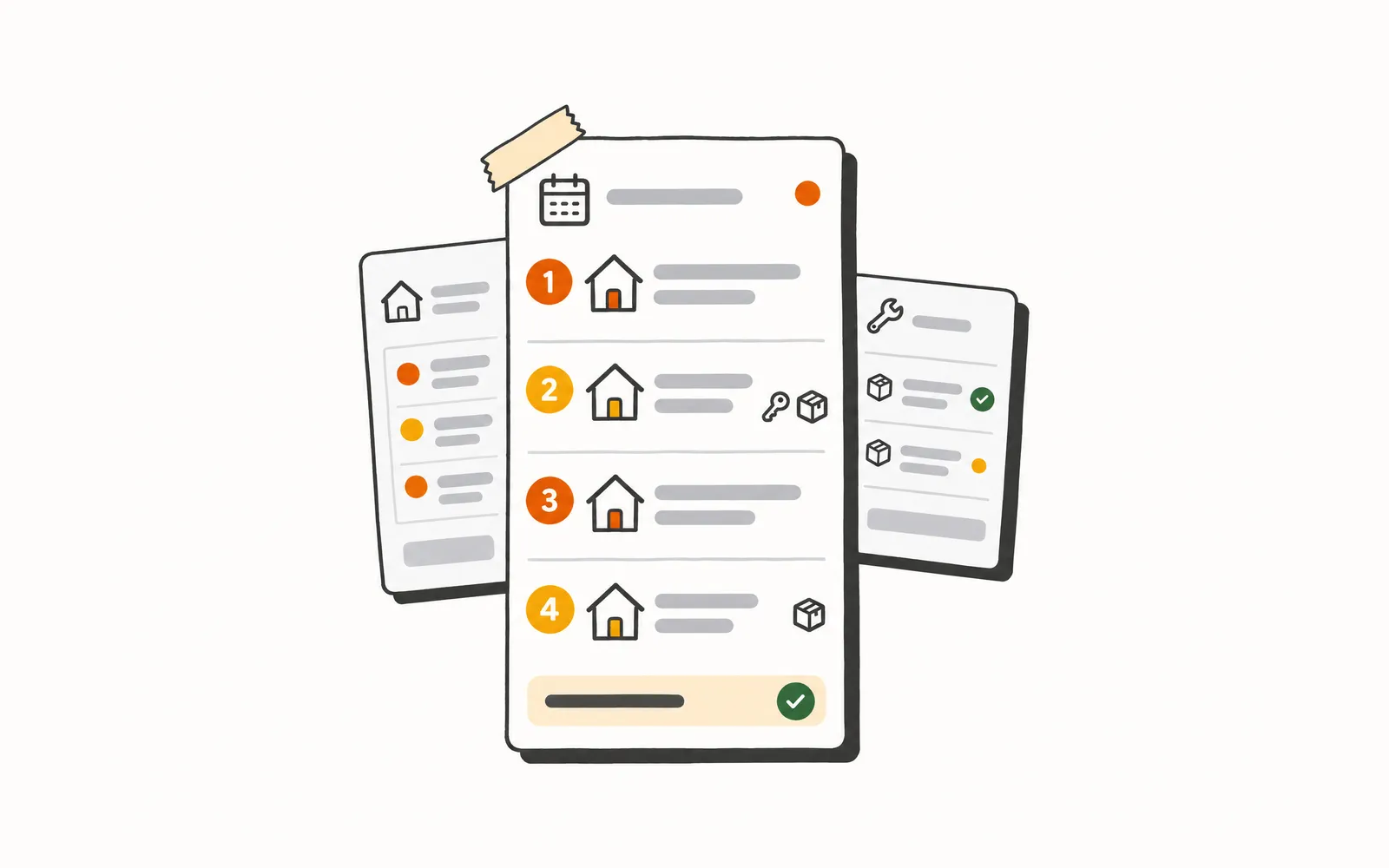
Your technicians leave the shop already knowing what is at every stop. The calls to the office asking for the gate code, the equipment model, or what the customer complained about last time stop happening, because it is all on the page before they hit the road.
- Time back
- 5 min
- per job
- Cost
- 15¢
- 30 Rivets per job
How it works.
4 steps, and your team only touches the ones that need a person.
- 1.
The day page arrives each morning
At the configured send time, each technician gets a text with a link to their personal day page. The page loads their full route for the day, every job in order, with all available context already populated.
- 2.
Every job arrives with full context
Each job card shows the equipment on site, the last service date and prior technician notes, any parts pre-ordered for the job, the access instructions, and the flags the CSR captured at booking. Everything the technician needs is on the card before they arrive.
- 3.
The page stays current all day
As the dispatcher adds, reschedules, or updates jobs, each technician's page reflects the change on its own. There is no stale printout and no second link to open. The page they opened in the morning is still the right one in the afternoon.
- 4.
The technician adds notes
From any job card, the technician adds a note at any point in the day, before arrival, on site, or after completion. Notes write back to the job record in the office in real time, so the dispatcher and CSR are working from the same picture.
Try it.
A small working model of Service Brief. Nothing here touches a real customer.
Tap through a tech's stops for the day and see everything they need before they knock.
A day for the Service Technician.
- 7:30 AM
The technician reviews the printed work orders from the morning huddle. Access notes for two jobs are missing. They ask the dispatcher before they leave.
- 9:15 AM
They pull into the first stop and open the work order on their phone. The equipment model is not listed. They call the office to find out which capacitor to pull off the truck.
- 11:30 AM
Job three was rescheduled this morning. They find out when they arrive at an empty house, then call the dispatcher for the updated address.
- 3:45 PM
They finish a job with a note the office needs to know about and pass it over the phone. It may or may not make it onto the record.
- 7:30 AM
The link comes through on their phone before they reach the truck. Every stop is loaded with equipment history, access notes, and CSR flags. They leave the shop without a question.
- 9:15 AM
They pull into the first stop. The equipment, the last service notes, and the part already on the truck are all on the card. They are at the door in two minutes.
- 11:30 AM
Job three was rescheduled this morning. The page already reflects the change. They see the updated stop before getting back in the truck.
- 3:45 PM
They add a note to the job card before pulling out of the driveway. The office sees it in real time. Nothing gets lost in a phone call.
What it won't do.
So nobody's surprised later.
- Does not let the technician modify job details, reschedule appointments, or update customer records beyond adding notes.
- Does not send a new link when the route changes; the existing page updates on its own.
- Does not function as a navigation or routing tool.


- About 220,000 calls a month analyzed across 31 shops
- 139 shops use Graphite Lab tools
- 108 ServiceTitan data types synced, including for multi-location operators
- 66 to 93 mobile PageSpeed, from a contractor's old site to the preview we built in under 10 days
Let’s talk about your shop.
No slide deck. Tell us how your team runs today and we'll show you what we'd build first. If it's a fit, we send you a quote.